
 Step 1 / 7
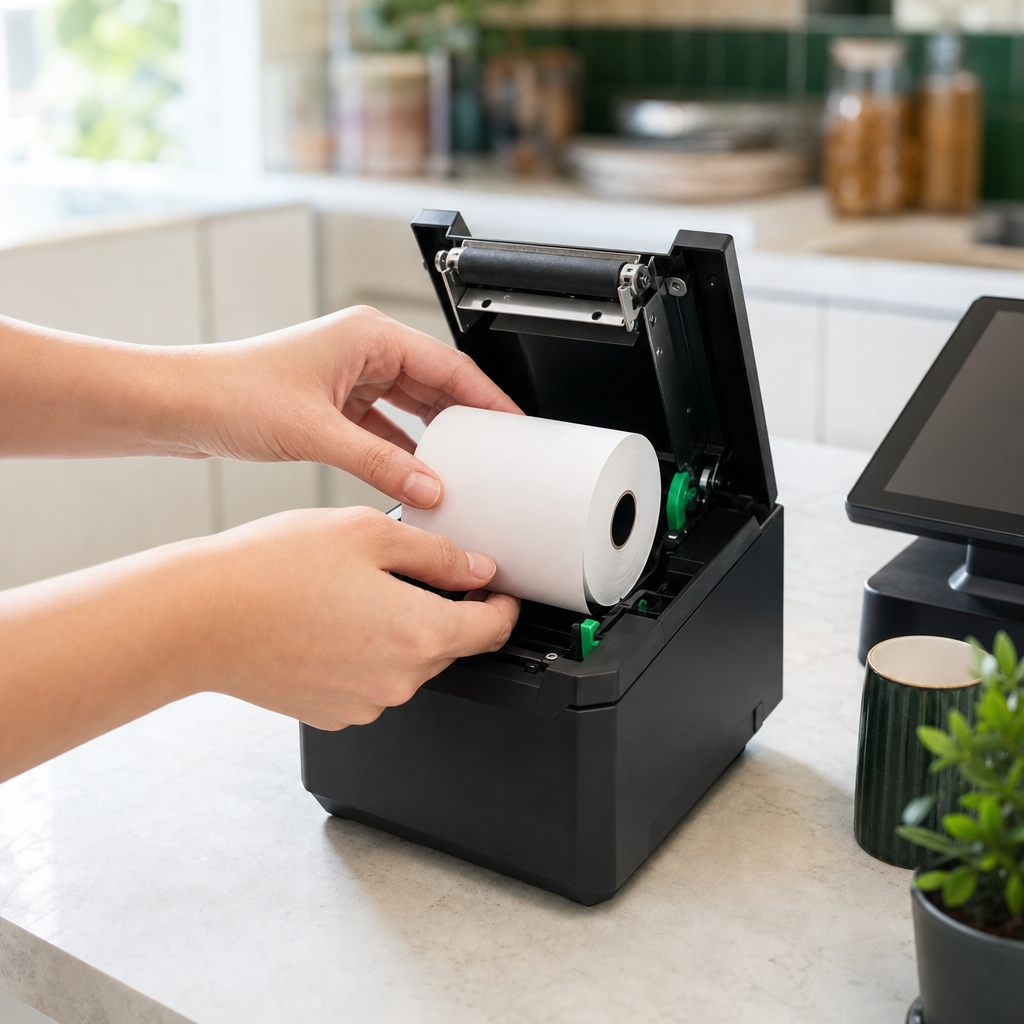
Load paper
Open the lid on top of the printer. Place the paper roll with the loose end coming forward from underneath, as shown on the sticker inside the printer.
Pull out a bit of paper and close the lid. The printer aligns the paper automatically.
Tip: Roll the wrong way? The receipt stays blank. Flip the roll and try again.
Quick check
- Roll sits with the end coming forward
- Lid closed, paper sticks out of the slot